 Turkey (Türkçe)

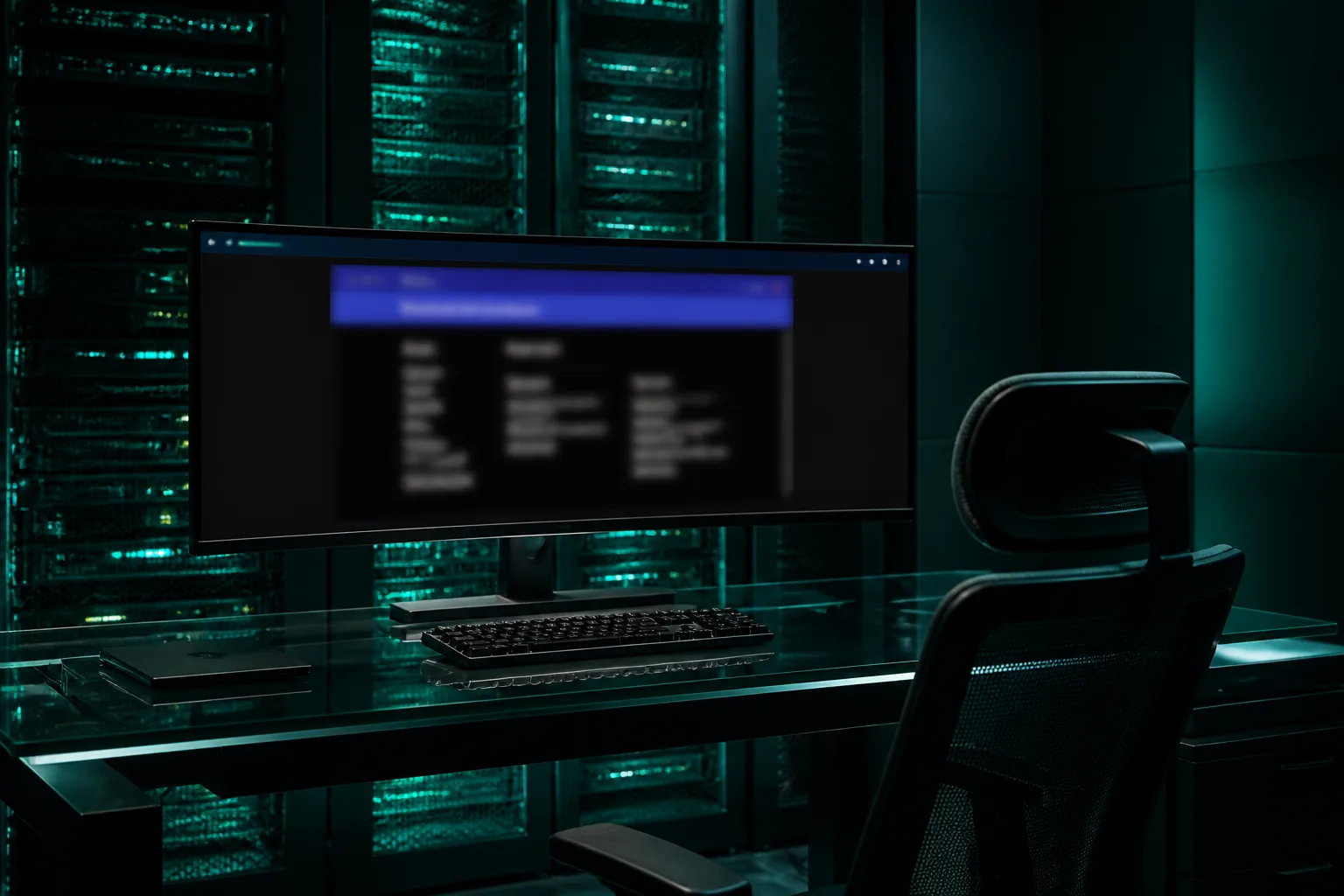
On a modern dedicated server you do not need to install Java for the remote screen. HTML5 KVM opens the iDRAC, iLO or BMC console with the browser's own WebSocket and canvas stack: no plugin, no .jnlp, no Exception Site List. This guide explains what the HTML5 console is, how it differs from the Java route, how to open it from the SistemDC client area and what to watch out for on the browser side. If older-generation cards still need Java, go to the companion article: IPMI/iDRAC access with Java and security settings.
KVM over IP carries the server's physical screen, keyboard and mouse to you over the network. The old way did this through a Java application's raw TCP socket. The HTML5 console draws the same image in the browser: the BMC (or the secure bridge in front of it) sends frames over WebSocket and keystrokes go back. Even if the operating system is off or the disk is broken, the BIOS, RAID wizard and installation screen are visible. Do not confuse it with VNC on a VDS; that is the hypervisor console. On a dedicated server the card is on the motherboard.
The names change across manufacturers' menus: at Dell Virtual Console HTML5, at HPE HTML5 Integrated Remote Console, at SuperMicro HTML5 Console. All of them are KVM opened in the browser. IPMI/KVM is part of the common ground of dedicated plans; stock and models are on the dedicated server page.
| Criterion | HTML5 KVM | Java Web Start |
|---|---|---|
| Client | Chrome, Edge, Firefox, Safari | OpenWebStart or Java 8 |
| Setup | None | JRE + Exception Site List |
| Security surface | Session token + HTTPS/WSS | Local Java process + raw TCP |
| Virtual media | ISO from the browser on most newer firmware | ISO from the Java client |
| When is it primary? | iLO 4+, iDRAC 8/9 HTML5, newer AMI | Older BMCs for which HTML5 was never produced |
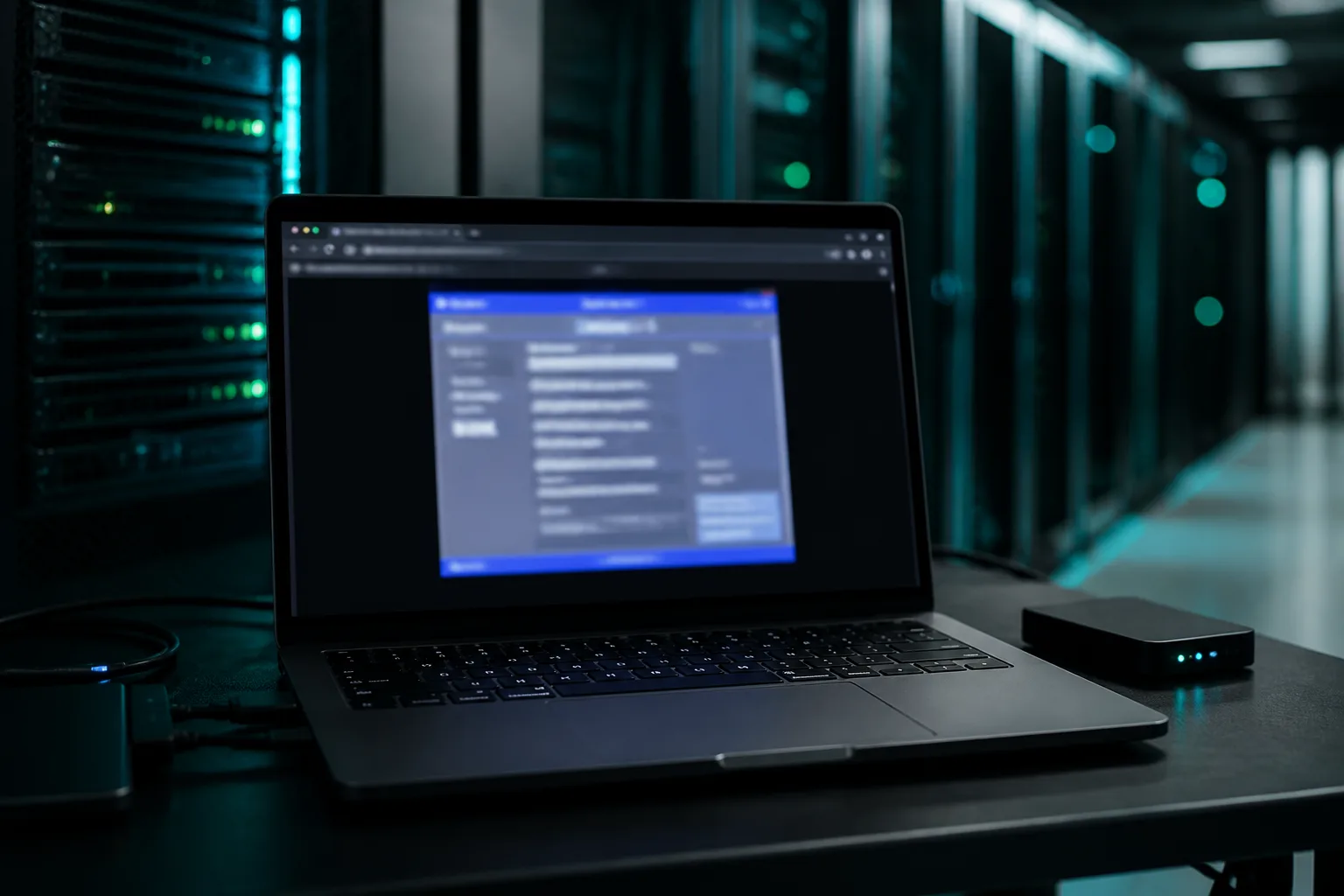
Both routes can exist on the same physical machine. HPE iLO 4, for example, kept the classic Java IRC after adding HTML5. That is why the SistemDC panel has two separate buttons; when one fails the other is not selected automatically — you choose.
HTML5 “will not open” and “not available on the hardware” are different things. The first is the browser/WebSocket/pop-up; the second is firmware. It is not possible to force an old card into HTML5; move on to the Java guide.
With a dedicated server, the BMC management network is not open to the customer's internet. The HTML5 session is opened through the secure bridge in the panel; your browser does not see the BMC's private IP directly. Steps:
A short checklist is also in the knowledge base: How do I connect with IPMI / KVM? and IPMI / KVM will not open.
If you host your own server, or an IPMI URL is given in the service details, you can log in to the BMC from the browser:
https://IPMI_IP — open this address. A self-signed certificate warning may appear; accept only the host you were given.No Java Exception List is needed on this route. If you do fall back to Java, the steps for adding the server IP and the IPMI IP to the trusted origin list are in the Java guide. Do not expose IPMI to the public internet; use a management VLAN or VPN.
Browser: An up-to-date Chromium (Chrome/Edge) is the path of least friction. Firefox works too. Do not use Internet Explorer. Extension conflicts are fewer in a private window; since session cookies can also drop the panel login, stay in a normal window if necessary.
Pop-ups: The console is usually a new window. Until the blocker says “allow for sistemdc.com”, the button looks as if it “does nothing”.
WebSocket: If a corporate proxy or “HTTPS inspection” cuts WSS, you will see a black screen or an immediate disconnect. Turn off the VPN and try again; if that fails, isolate it with another network (e.g. a phone hotspot). The panel bridge goes over 443; you do not need to open an extra Java port.
Keyboard: When focus is outside the console, the Windows key goes to your own desktop. If there is a full-screen or “capture keyboard” option, turn it on during installation. A TR keyboard layout may not match the English map in the BIOS; type critical commands with the English layout.
Virtual media (ISO): For an operating system installation you attach the ISO to the BMC; the server sees it like a USB/DVD. The SistemDC panel has a separate Mount ISO card. Do not confuse “Virtual Media” in the HTML5 window with the panel ISO: one is the BMC's own menu, the other is media assigned to the service. Data on the disk is erased on reinstallation; a dedicated server has no one-click rebuild like a VDS.
| Symptom | First check |
|---|---|
| Nothing happens when the button is clicked | Pop-up permission, ad blocker exception |
| Black screen / Connecting... | Another browser, a private window, a proxy cutting WebSocket |
| Certificate warning (direct BMC) | Only the IPMI host in the service; do not accept any other IP |
| No HTML5 / constant errors | Older-generation BMC: the Java guide. The Java row appears in the panel |
| The ISO is not visible | Attach the media first, then boot the server from the ISO; the boot order in the BIOS should be USB/CD |
The Java Exception List does not come into play here; the risk is in the session and the BMC surface.
If the console does not solve a software problem, physical intervention falls under Remote Hands scope. KVM first, then on-site.
Should I install Java for HTML5?
No. The purpose of HTML5 is to take Java out of the picture. Java is only a fallback for firmware that does not support HTML5 or for a dropped WebSocket.
Does it open in a mobile browser?
Some BMC HTML5 pages accept a phone, but keyboard capture and virtual media are meant for the desktop. Do installation and BIOS work from a computer.
Is it the same thing as VDS VNC?
No. The VDS console comes from the hypervisor; dedicated HTML5 comes from the BMC on the motherboard. A VDS has no IPMI.
The console keys are not going through but the screen is there?
Click the window to take focus. An ad blocker may be cutting the key listener. Try another browser.
Is HTML5 available on Ryzen dedicated?
It depends on the card and firmware. On new-generation BMCs, yes; the panel shows HTML5 as primary. For the Ryzen line, see the AMD Ryzen dedicated server page.
HTML5 console · Istanbul location · Stormwall DDoS · dedicated IPMI/KVM
Dedicated Servers AMD Ryzen Dedicated