
 Turkey (Türkçe)

When setting up a Minecraft SMP server, your choice of JAR directly determines TPS. Instead of the vanilla JAR, using Paper or Purpur has become standard — but which one suits your server? If you are getting low Minecraft TPS complaints, the problem is not only plugins; the choice of fork, the JVM flags and CPU frequency matter too. In this guide we clarify the difference between Paper and Purpur, how to set up Aikar's flags, and which plan fits which player count on SistemDC's Ryzen 9950X infrastructure.
Both are Spigot-based, performance-focused Minecraft server forks:
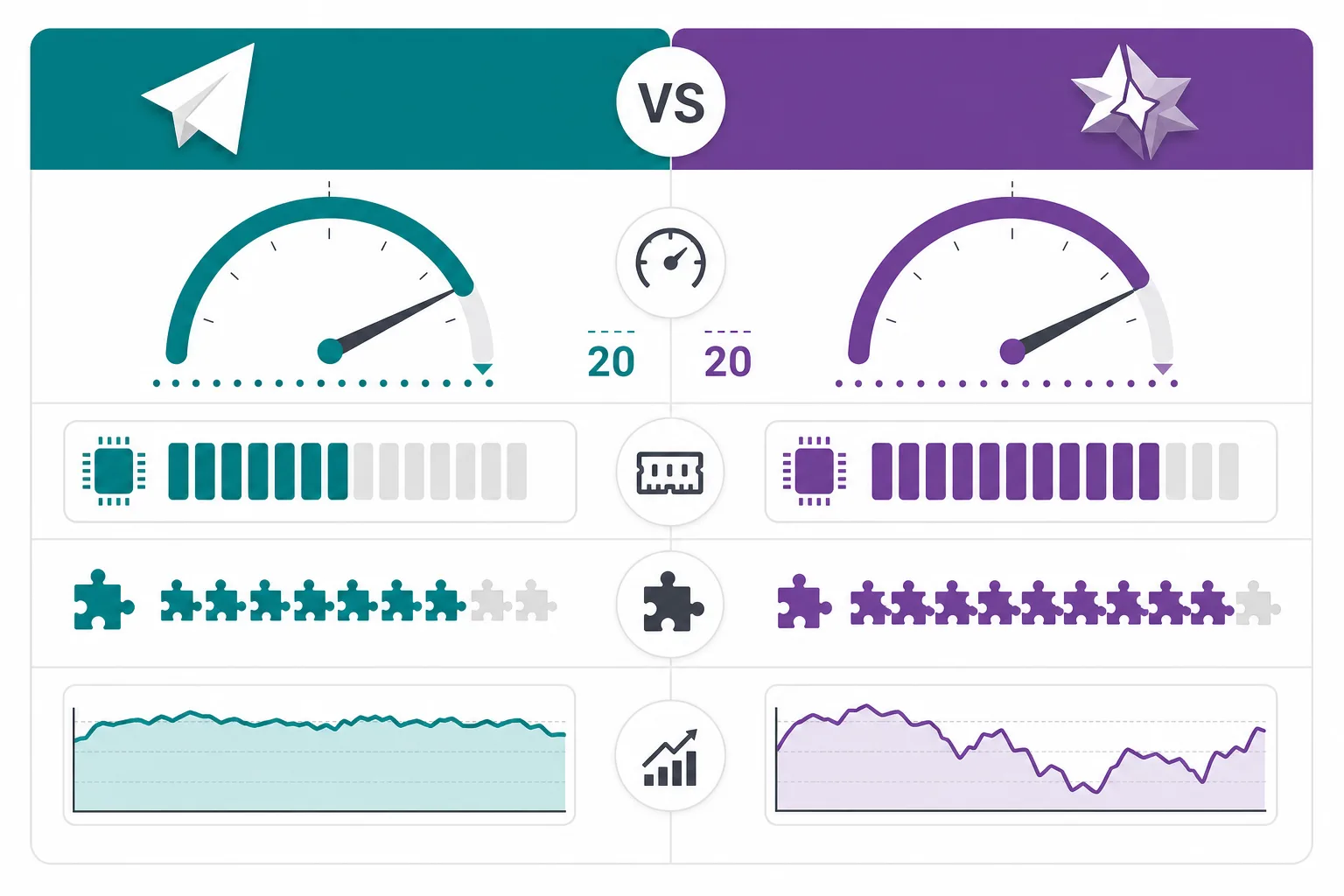
| Criterion | Paper | Purpur |
|---|---|---|
| Plugin compatibility | Very high | High (Paper-based) |
| TPS (50-player SMP) | 18–20 TPS | 19–20 TPS |
| Entity optimization | Good | Very good |
| Config complexity | Medium — easy to follow | High — many options |
| Update speed | Very fast | Depends on Paper |
| Recommended scenario | Skyblock, Towny, general SMP | 100+ players, heavy redstone/hoppers |
The target is 20 TPS (ticks per second); when it falls below 19, players feel lag. The main causes:
On Paper and Purpur, using Aikar's JVM flags can raise TPS by 2–5 points. Choose the flag set that matches your amount of RAM — without the flags even a Ryzen server stays inefficient.
Note: -Xms and -Xmx should be set to the same value according to your server's RAM (8G, 12G, 16G). Do not give all of the RAM to the JVM — leave 1–2 GB for the OS.
After choosing the JAR, config settings determine TPS:
| Scenario | Players | RAM | Fork | Plan |
|---|---|---|---|---|
| Skyblock / Towny | 20–40 | 6–8 GB | Paper | RYZ-M |
| SMP Survival | 50–80 | 12–16 GB | Paper/Purpur | RYZ-L |
| Hardcore SMP / Network | 100+ | 24–32 GB | Purpur | RYZ-XL / Dedicated |
Related guides: FiveM and Minecraft Ryzen Selection · Game Server DDoS Protection · Ryzen or Xeon?
If you run more than one Minecraft server (lobby, survival, skyblock), use a Velocity proxy. The proxy runs on a separate lightweight VDS (RYZ-S), while the backend Paper/Purpur servers run on RYZ-L or a Dedicated server. This architecture provides TPS isolation — lag on one server does not affect the others.
Should I choose Paper or Purpur?
For an SMP with fewer than 50 players, Paper is enough. On servers with 80+ players, heavy entities or lots of redstone, switch to Purpur.
What should I do if Minecraft TPS drops below 20?
First, run a tick analysis with /spark profiler ; then lower view-distance, reduce the number of plugins and apply Aikar's flags. If CPU frequency is insufficient, move up from Ryzen VDS (9950X infrastructure) to a higher plan.
Why Paper instead of Spigot?
Spigot is no longer actively developed; Paper offers async chunk loading, entity optimization and security patches. Do not use Spigot on new servers.
Does Purpur support Paper plugins?
Yes. Purpur is a fork of Paper; 99% of Paper/Spigot plugins are compatible.
Ryzen VDS (9950X infrastructure) · Stormwall DDoS · Turkey location · Paper & Purpur compatible
Rent a 9950X Ryzen VDS Ryzen DedicatedRyzen 9 VDS plan comparison: Ryzen 9 VDS rental plan guide · Ryzen VDS vs standard VDS