 Turkey (Türkçe)

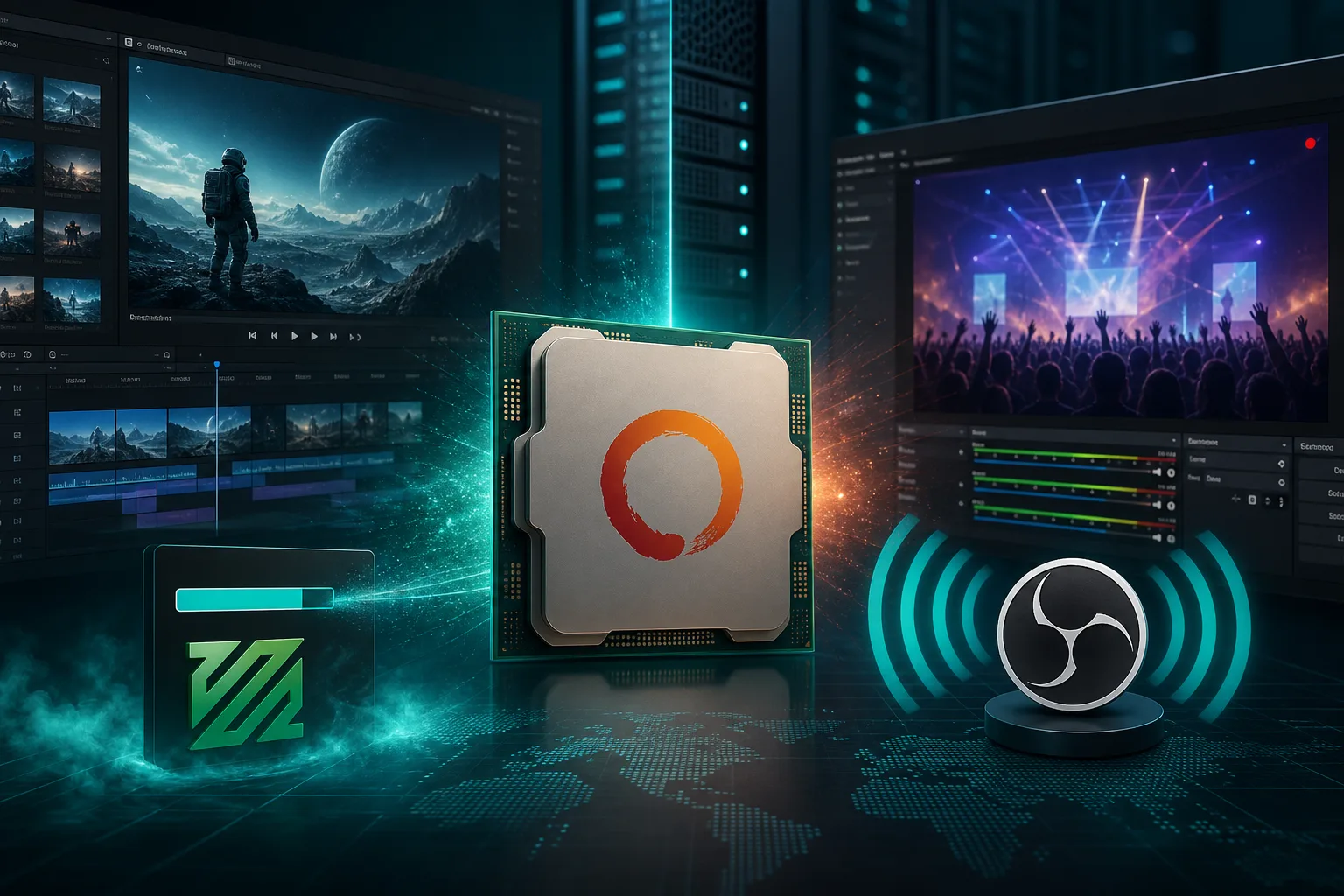
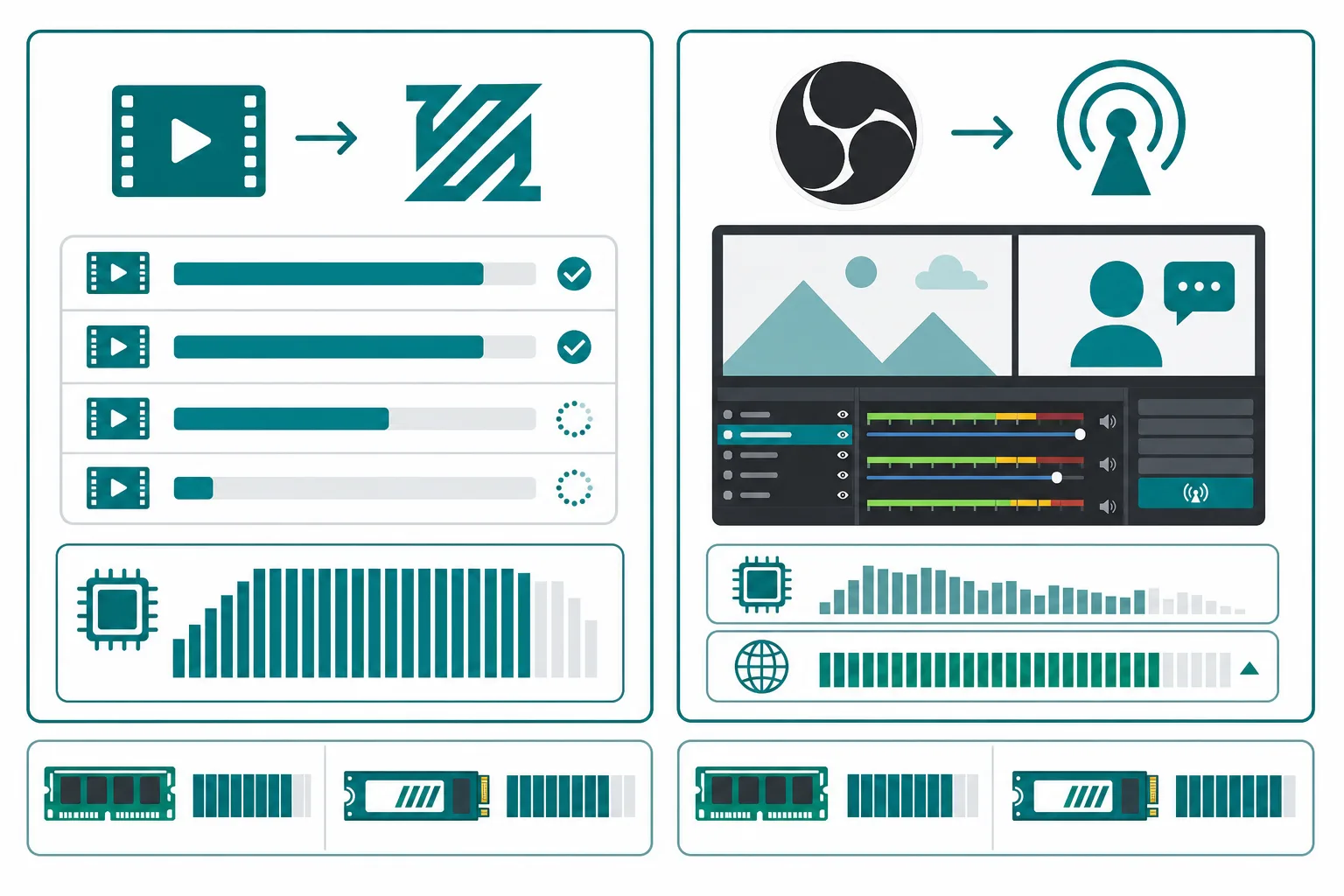
Planning a YouTube channel, an agency render queue or a 24/7 live-streaming origin server? Video workloads consume resources differently from a game server: FFmpeg batch rendering saturates the CPU cores; OBS/NGINX-RTMP streaming needs sustained bandwidth and low latency. In this guide we explain, step by step, the rendering and streaming architecture with an AMD Ryzen Dedicated server, the difference between CPU encoding and GPU (NVENC) encoding, and which SistemDC plan to choose.
| Method | Advantage | Drawback | Recommended hardware |
|---|---|---|---|
| CPU x264/x265 | Highest quality per bit | Slow, CPU-intensive | 9950X Dedicated |
| GPU NVENC | 10–20x faster encoding | Lower quality per bit | RTX GPU Server |
| Hybrid | Draft NVENC + final CPU | Complex pipeline | 9950X + RTX |
GPU rendering/AI guide: RTX 5090 Rendering and AI Inference
An example of 16 parallel FFmpeg jobs on a 9950X Dedicated server:
GNU parallel or a custom queue script.To host your own origin instead of relying on Twitch/YouTube:
| Scenario | Recommended plan |
|---|---|
| 1080p batch rendering (agency) | R9 9950X Dedicated |
| 4K transcode farm | 9950X + NVMe RAID |
| Fast NVENC encoding | RTX 5090 GPU Server |
| Single-channel live-streaming origin | R7/R9 Dedicated or RYZ-XL VDS |
| Podcast / low-bitrate stream | RYZ-M Ryzen VDS (9950X vCore) |
General Ryzen selection guide: Choosing a Plan for Gaming, Rendering and Streaming
Is a Ryzen VDS (9950X infrastructure) enough for rendering?
RYZ-XL is enough for light 1080p transcoding and test renders. For production batch rendering and 4K workloads, a Dedicated server is a must.
How many parallel FFmpeg jobs can a 9950X handle?
Allocating 1–2 cores per job, 8–16 parallel 1080p encodes are possible, depending on the codec and preset.
Is a GPU required for streaming?
No — CPU encoding (x264) is enough; however, NVENC on a GPU server is 10x faster. Choose CPU when quality is the priority and GPU when speed is.
9950X Dedicated · RTX GPU Server · Turkey location · Stormwall DDoS
Ryzen Dedicated GPU ServerNLE / NVMe selection: Ryzen render server · 9950X specifications
For light rendering/APIs, rent a Ryzen VDS · for heavy rendering, Ryzen dedicated
New: AMD Ryzen 9 9950X Business ECC (35,000₺/mo) — server-grade ECC, Gen5 Samsung 9100 Pro, IPMI. The guide that explains the difference: 15,000₺ vs 35,000₺.